A Continue in Every Game, a Color for Every Game, and a Break for the Daily
Update, October 14: ORBIT.IO, DODGE.IO and SPLIT.IO no longer use the countdown prompt described below; their continue is now the first button on the game over screen, as in GROUND.IO, INK.IO and PHASE.IO (DON'T SQUISH BOB keeps its prompt). See One Look for Six Games, a Continue Without a Countdown, and a Ticker That Stood Still.
This was a housekeeping week for the browser games, but the kind of housekeeping you notice the moment you play. Every game now offers you a way back after you die. Every game now has its own color instead of the same teal. And the Daily Challenge is taking a break on this website while I rework how it fits in.
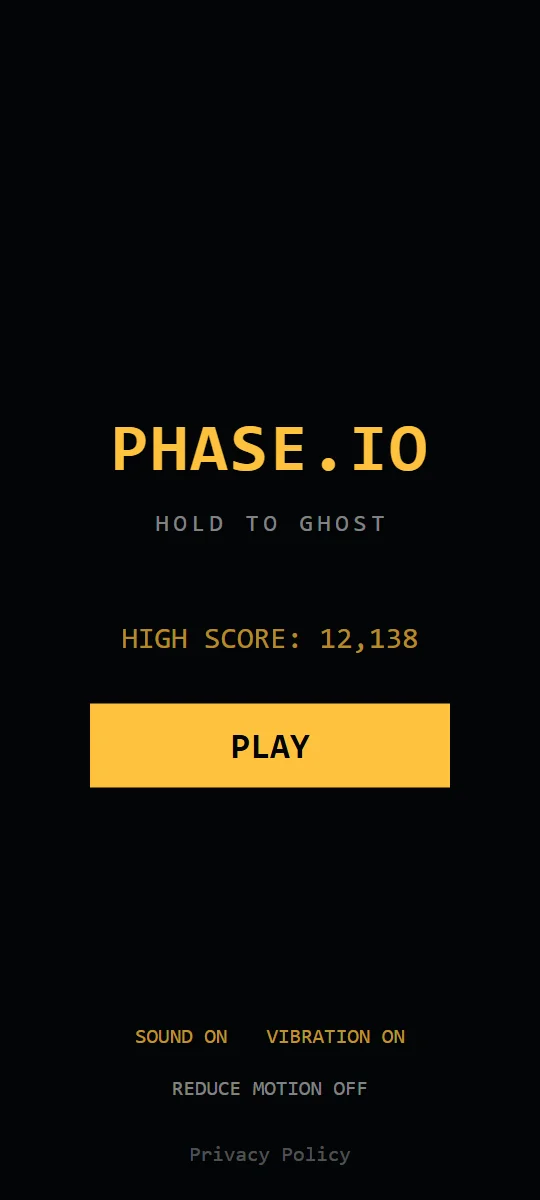
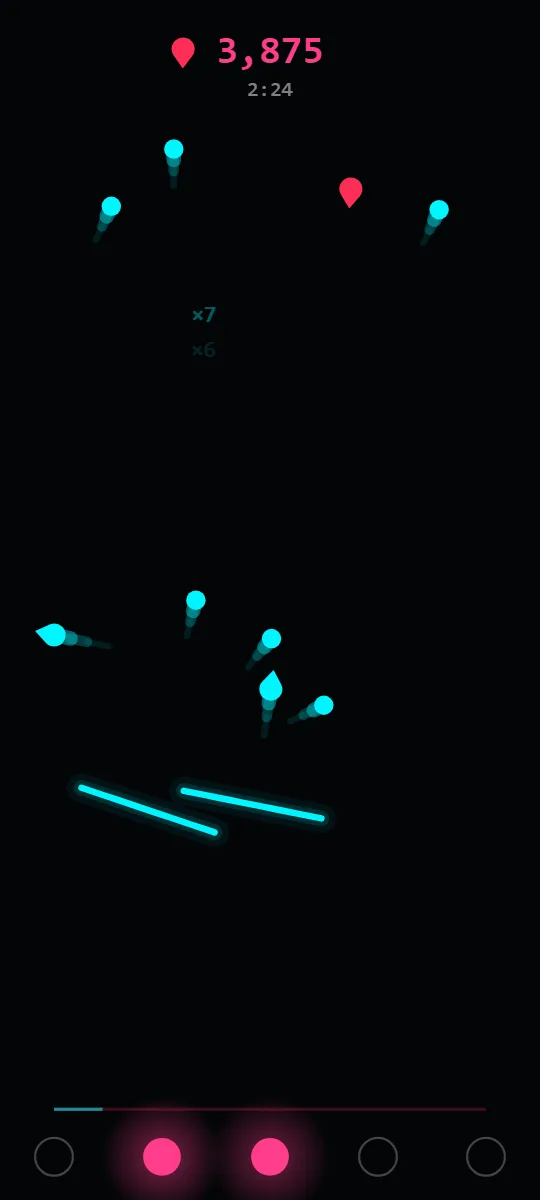
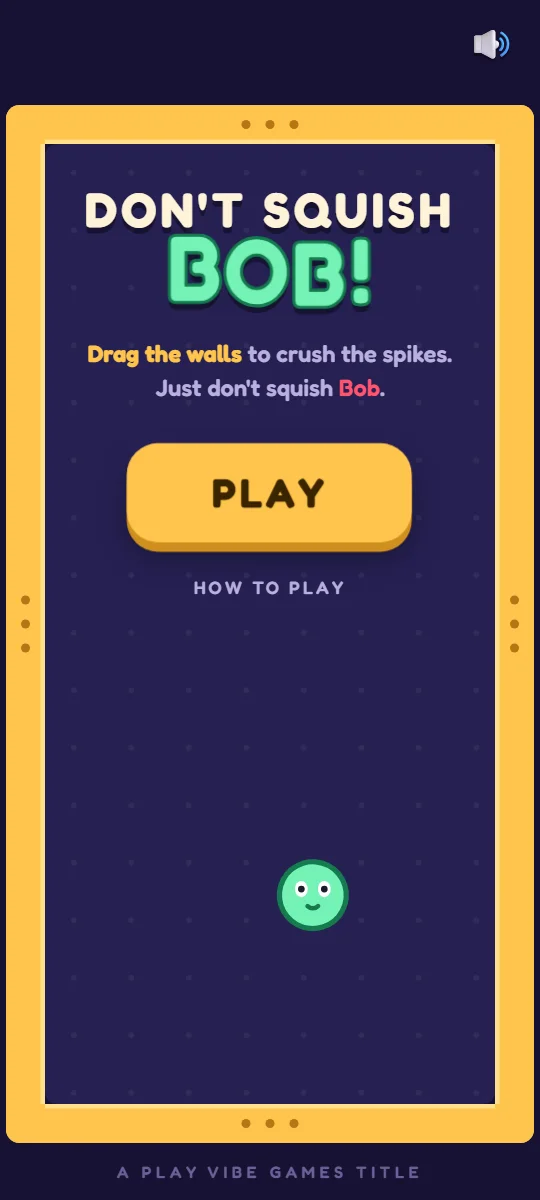
Recorded from the browser games.
One continue per run, in every game
GROUND.IO, INK.IO and PHASE.IO launched with a CONTINUE button on their game over screens. ORBIT.IO, DODGE.IO, SPLIT.IO and DON'T SQUISH BOB didn't have one in the browser, even though their Android versions do. Now all seven offer exactly one continue per run, and each one brings you back the way that game's rules make sense:
- ORBIT.IO clears the board and gives you a 3-2-1 before your shape starts moving again.
- DODGE.IO puts you back in the middle with a shield, so the first hit after you return doesn't end the run.
- SPLIT.IO gives you one life back on a cleared field, with a 3-2-1.
- GROUND.IO gives the core a shield and clears the threats closest to it.
- INK.IO relights two dark lamps, clears the board and refills your ink.
- PHASE.IO clears the threats, refills the phase meter and resets the multiplier.
- DON'T SQUISH BOB asks "One more breath?" and brings Bob back in the middle of an empty box with one heart, the walls at rest, and a 3-2-1.
Your score and time always carry on. A second death ends the run for real.
In ORBIT.IO, DODGE.IO, SPLIT.IO and DON'T SQUISH BOB the offer appears as a prompt with a five-second countdown. For the first 0.7 seconds it ignores taps. That sounds fussy, but without it, the tap you were already making when you died would hit NO THANKS and throw the continue away before you'd even seen it.
For now, the continue is simply free. Later it may become an optional "watch an ad to continue," like in the Android apps. If that happens, it will never be required: if no ad is ready, the continue stays free.
A color for every game
Until this week, almost every game used the same teal for its menus, buttons and score, even though each one already had its own color on the home page. Now the games match: ORBIT.IO is purple, INK.IO is pink, PHASE.IO is amber and SPLIT.IO is red. GROUND.IO keeps its teal, which was always its color. DODGE.IO and DON'T SQUISH BOB already had their own look, so the home page changed to match them instead.
The interesting part was deciding what not to recolor. Across the whole catalog, red means danger. If a threat can hurt you, it's red. That rule is worth more than a consistent theme, so it shaped where each new color could go:
- In PHASE.IO, nothing in the game is yellow, so the runner, its track and its effects all turned amber along with the menus.
- In ORBIT.IO, purple already belongs to one of the threats and to your shield. So the menus and score are purple, but your shape and the orbit ring stay teal. A purple player would look like a purple enemy.
- In INK.IO, pink sits right next to the red of the falling threats. So the menus, score and lamps are pink, but your walls, and the threats you bounce off them, stay teal. Friend versus foe has to read in a split second.
- In SPLIT.IO, some threats are red rings. So the menus, buttons and lives are red, and your two shapes stay teal.
The game guides picked up the same colors, and the INK.IO and PHASE.IO screenshots were re-recorded to match.
The Daily Challenge takes a break
The Daily Challenge is switched off on this website for now. Its buttons are hidden, and an old daily link opens a normal run instead. The Android apps still have it. When it comes back here, it will be the same idea described in How the Daily Challenge Works: one run per calendar day, identical for everyone.
Smaller things
Every game's menu now has a How to play link that opens its guide, so you don't have to leave a game to look up a threat. In DON'T SQUISH BOB, the small "Vibe Games" link at the top left now only shows on the title screen. During a run on a phone, it used to sit right on top of your hearts.
More from the Devlog
Fast games feel unfair when danger appears without notice. The specific warning systems used across the Vibe Games catalog, and why they matter.
On phones, the browser's Back swipe used to end runs in Don't Squish Bob and GROUND.IO. Now Back pauses first. What changed and how it works.
The design rule behind the whole catalog: one verb per game, and why constraint produces better arcade games than features do.