Why a Back Swipe Now Pauses the Game Instead of Ending Your Run
This week I shipped a small change to two of the browser games, DON'T SQUISH BOB and GROUND.IO, that doesn't add a feature or a threat. It just stops the browser from throwing away your run when you didn't mean it to.
On an Android phone, swiping in from the left or right edge of the screen is the system's Back gesture. In a browser, Back means "leave this page." So in both games, a swipe that started a little too close to the edge took you off the page in the middle of a run. iPhones have a similar edge swipe in Safari. For a game played with your thumbs on a touch screen, that's a trap.
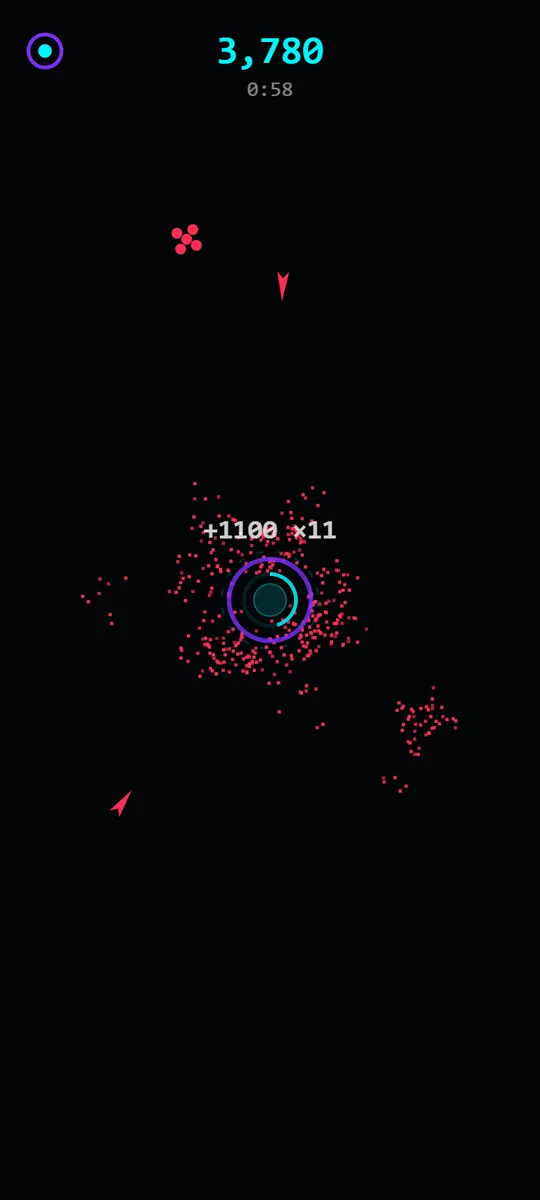
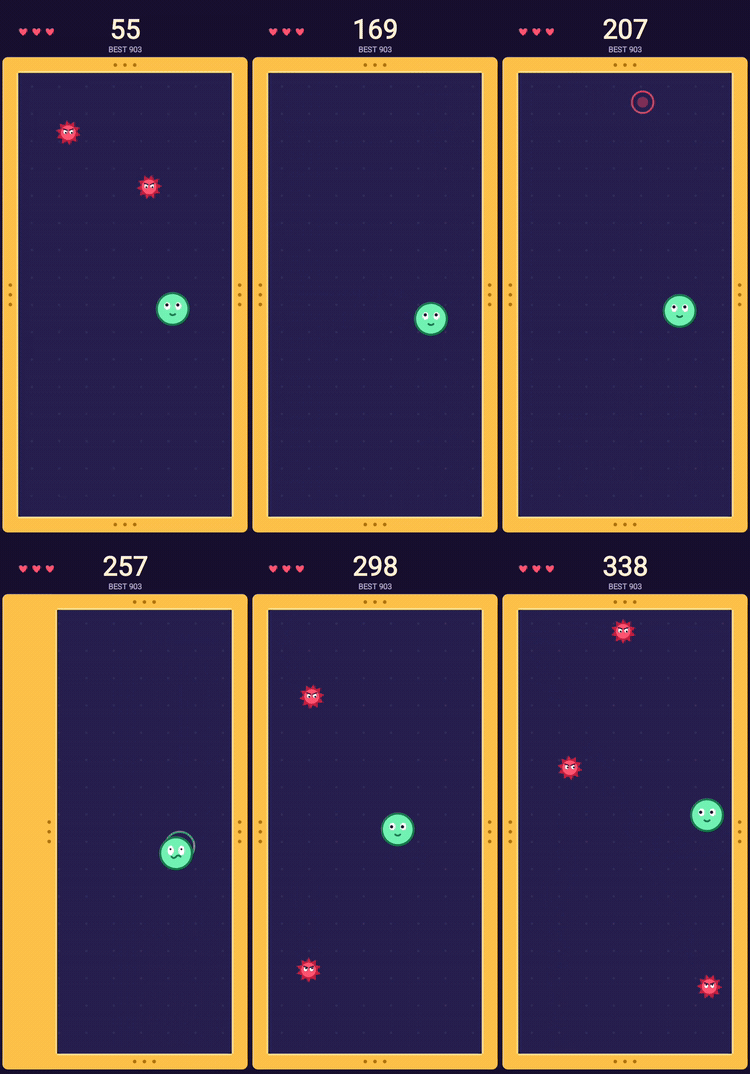
The two browser games where a Back swipe used to end the run.
What Back does now
While a run is going, Back no longer leaves the page. It works through the game's own screens first, one step at a time, the same way it already did in ORBIT.IO, DODGE.IO and SPLIT.IO.
In DON'T SQUISH BOB, the first Back pauses the run and shows TAP TO RESUME. A second Back takes you to the menu. If you're on the results screen after a run, Back takes you to the menu.
In GROUND.IO, the first Back pauses. A second Back quits the run, which shows the game over screen with QUIT as the cause, and no Continue offered. A third Back goes to the menu.
In both games, only Back from the menu leaves the page. That's the one place where leaving is probably what you meant.
Why pause first
I could have made Back do nothing during a run. I didn't, because a player who presses Back on purpose usually wants something: to stop, to check a message, or to get out. Pausing covers all three. If the swipe was an accident, you tap to resume and lose nothing. If it was on purpose, one or two more presses get you where you were going. Nobody is trapped, and nobody loses a run to a stray thumb.
Both games also already pause on their own when the page is hidden, for example when you switch apps. GROUND.IO pauses when the browser window loses focus too. Back is now handled the same way: stop the game first, then decide what to do.
How it works in a browser
A web page can't intercept the Back gesture directly. What it can do is add its own entries to the browser's history. Once you start playing, the game adds a few entries of its own on top of the page. Back then steps through those instead of leaving. When you get back to the menu, the game removes whatever entries are left, so the next Back from the menu leaves the page normally.
One detail took care to get right. Chrome and Safari can skip over history entries that a page added without the player touching anything. So the games only add entries in response to a real tap or click, and a tap during play tops them back up. If you reload in the middle of a run, the game opens on the menu and clears its leftover entries, so Back doesn't get stuck.
A wider margin for Bob's walls
DON'T SQUISH BOB had a second, related problem. You play by grabbing the walls of a box and dragging them in, and the left and right walls sat close to the screen edges, right where Android listens for the Back swipe. On touch screens, the side walls now sit 48 pixels in from the edge instead of 30. That gives your thumb more room to grab a wall without starting the system gesture at all. On a desktop with a mouse, the margin is unchanged.
Why this matters
Short arcade games live on quick sessions. Losing a good run to the phone itself, not to a threat, feels worse than any death in the game, because there was nothing you could have done about it in the game. Now there is: Back pauses, and you decide.
If you're new to either game, the Don't Squish Bob guide and the GROUND.IO guide cover the controls and scoring.
More from the Devlog
The design rule behind the whole catalog: one verb per game, and why constraint produces better arcade games than features do.
How the Daily Challenge turns a calendar date into a run that's identical for everyone, and why that makes scores fair.
ORBIT.IO, DODGE.IO and SPLIT.IO began as Android apps. Their browser versions are line-by-line ports. Here's what that took.