Porting Android Games to the Browser, Line by Line
Three of the games on this site, ORBIT.IO, DODGE.IO and SPLIT.IO, started life as Android apps written in Kotlin. The versions you play in the browser aren't remakes. They're line-by-line ports: the same game logic, the same numbers, the same scoring, rebuilt to run in a web page. This post covers why that's harder than it sounds.
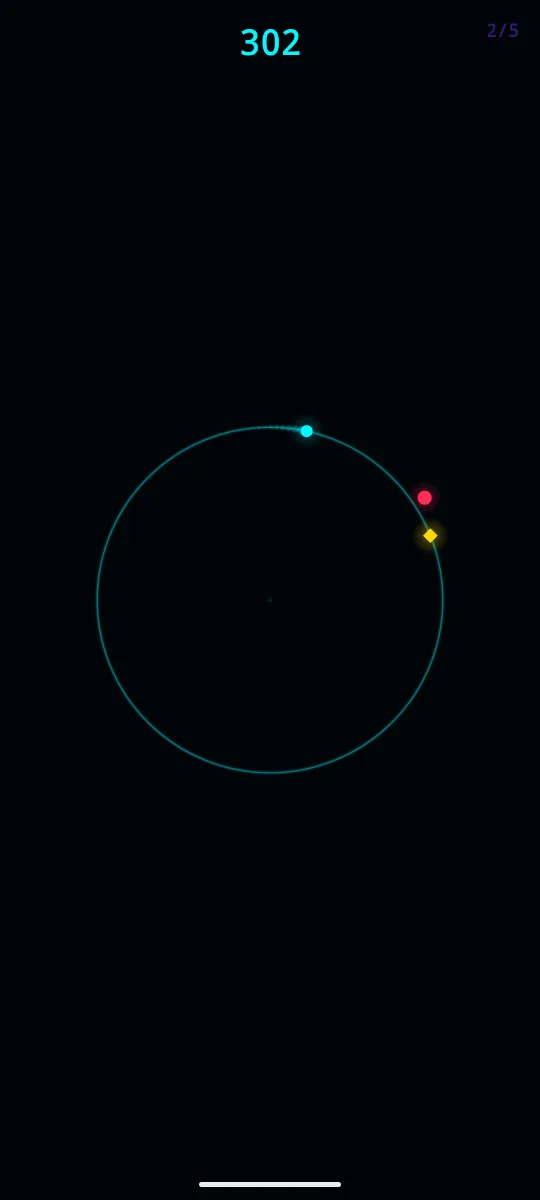
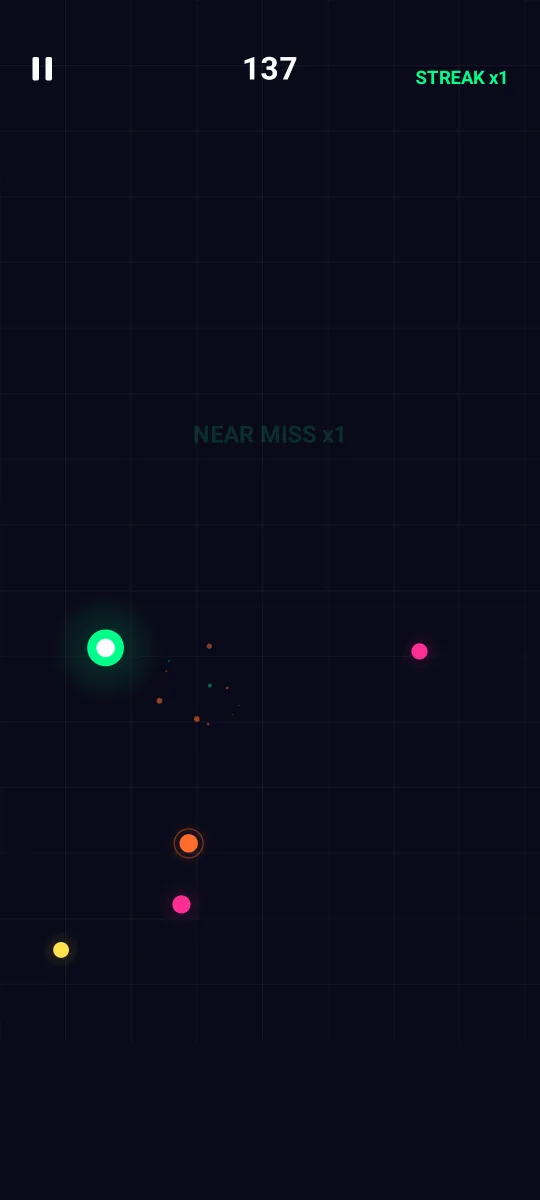
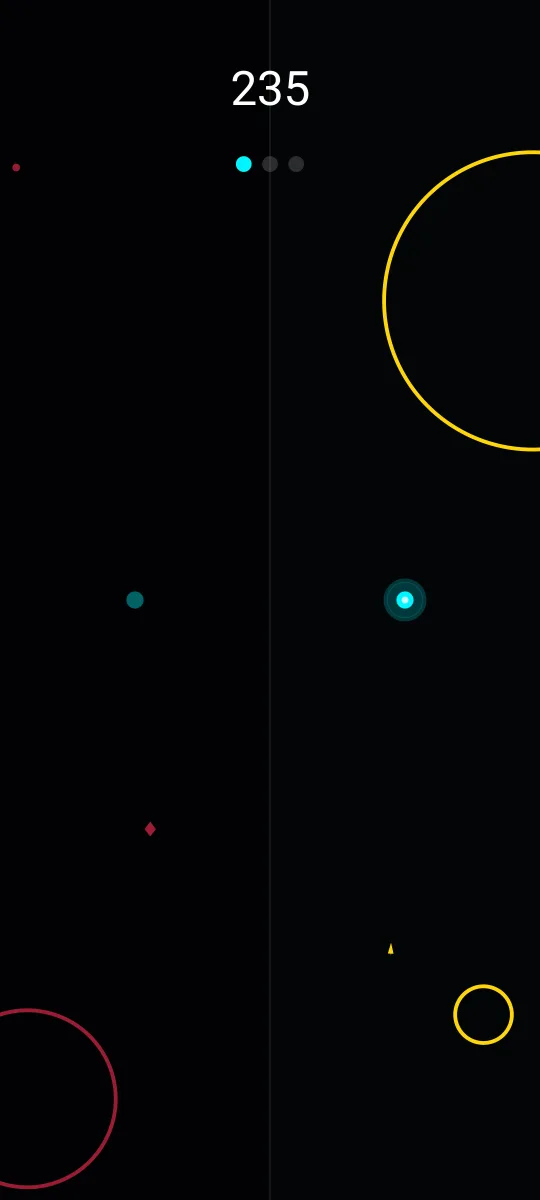
The Android apps the browser versions were ported from, line by line.
Same game, different machine
The goal was simple: a run in the browser should play exactly like a run on the phone. Not roughly like it. Exactly. If a threat in the app reaches your shape after 1.4 seconds, it should take 1.4 seconds on the web. That matters for fairness, and it matters for the Daily Challenge, where everyone is supposed to face the identical run.
Matching the random numbers
The trickiest part was randomness. The Android games use Kotlin's built-in random number generator. JavaScript has its own, and it produces completely different numbers. If the browser version used JavaScript's, the same daily seed would give a different run on the web than on a phone.
So the web versions include a reimplementation of Kotlin's generator, and it was checked against the real Kotlin library until the outputs matched bit for bit. The same seed now produces the same sequence of numbers on both platforms.
Matching the clock
Phones refresh their screens at different rates, and so do computer monitors: 60, 90, 120, 144 times a second or more. The Android games update their physics at a fixed 60 steps per second. The web ports do the same, no matter what the display does. On a 120 Hz screen each step is shown twice; on a 144 Hz screen the picture is drawn in between steps so motion stays smooth, but the game itself still advances in exactly the same increments.
Getting this right took more care than expected. Browsers report frame times rounded slightly, which can make a perfectly steady 60 Hz display look like it's stuttering between one and two updates per frame. The ports correct for that so you get one clean update per frame, like the app.
Matching the screen
The games were designed on a tall phone screen. In the browser, the game area keeps that same shape and is scaled to fit your window, with empty bars on the sides on a wide monitor. On a phone, it fills the screen as the app does. Taps that land in the side bars still count, because in the app the whole screen is the game.
Matching the sound
ORBIT.IO's sound effects are generated by formulas rather than recorded audio: the click when you reverse, the rising tone of a near miss, the shatter when you die. The web port generates them with the same formulas, so they sound the same as on a phone.
What's different
A few things can't carry over. Inside the apps, you can watch an optional ad to continue a run or earn a shield. The browser versions have no ads and no continues, so a run ends where it ends. Scores are saved in your browser rather than on your phone.
GROUND.IO, INK.IO and DON'T SQUISH BOB took the other path. They were built for the browser first, so there was nothing to port.
More from the Devlog
The design rule behind the whole catalog: one verb per game, and why constraint produces better arcade games than features do.
How the Daily Challenge turns a calendar date into a run that's identical for everyone, and why that makes scores fair.
How ORBIT.IO introduces six threat types over two and a half minutes, and the fairness rules that keep every death your own fault.