ORBIT.IO
Your shape circles a fixed center point. Threats close in from every direction. The only thing you can do is tap to reverse your direction around the orbit, and the whole game lives in when you choose to do it.
How to Play
ORBIT.IO puts you on a circular track. Your shape moves around it on its own, clockwise or counterclockwise. Tap anywhere on the screen (or click, on a computer) and you instantly reverse. That's the entire control scheme. You can't stop, speed up, or leave the orbit.
Threats come at the orbit from all sides. Some fly in from off screen, some appear on the track itself, some ride the track toward you. Reversing lets you run away from what's ahead, but it also turns you around to face whatever was behind you. Every tap is a trade.
The longer you survive, the faster you orbit, and the more threat types join the mix. One hit ends the run unless you're carrying a shield.
What It Looks Like
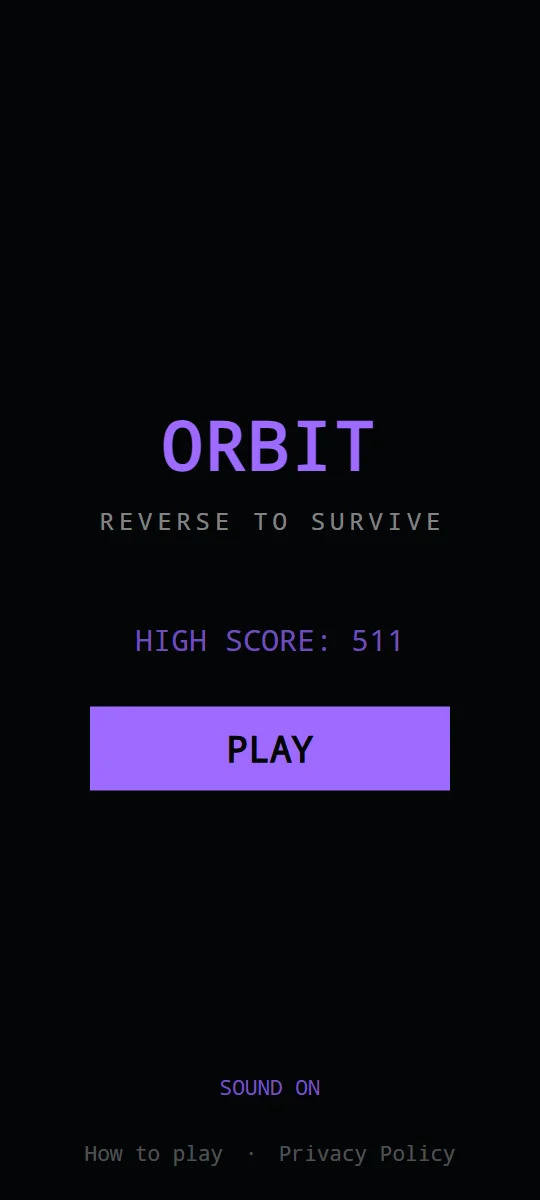
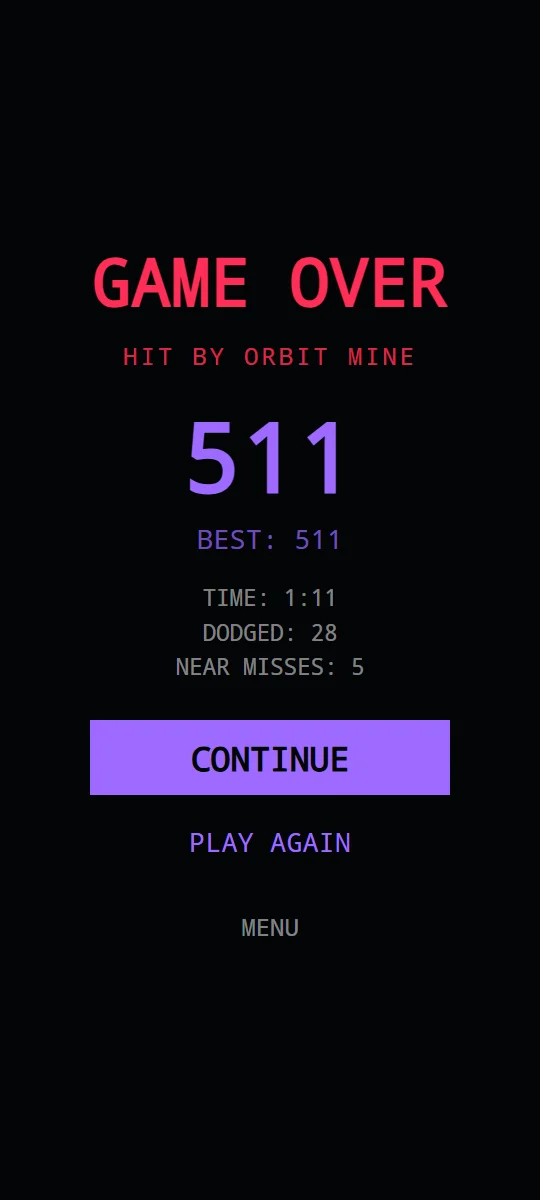
Recorded from the browser game.
Scoring and Shields
- Survival: you earn 1 point for every second you stay alive. After two minutes, that rate doubles to 2 points per second.
- Near misses: letting a threat pass very close without touching you counts as a near miss, shown as "CLOSE!" on screen.
- Shields: every 5 near misses earns a shield, if you don't already have one. A shield absorbs one hit and destroys the threat that hit it. You get a brief moment of invulnerability after earning or breaking a shield.
Shield progress is shown in the top right. Because shields come from near misses, the best players don't dodge threats by a mile. They let threats pass close on purpose.
Threat Guide
ORBIT.IO adds a new threat type at set points in a run. Until 15 seconds you only face Inbounds; by two minutes and twenty seconds all six are in play.
| Threat | Appears | What it does | How to handle it |
|---|---|---|---|
| Inbounds | From 0:00 | Fly in from off screen toward a point on your orbit. The most common threat for the whole run. | Read their angle early. Each one is guaranteed to be visible on screen for at least a second before it can reach you. |
| Orbit Mines | From 0:15 | Appear directly on the track, well away from you, fading in before they become solid. | A mine can't hurt you while it's fading in. Note where it is and plan your next reversal so you don't run into it. |
| Chasers | From 0:35 | Appear on the track behind you and move slightly faster than you, so they slowly catch up. | Don't reverse into a chaser. Keep moving away from it; chasers fade out after several seconds. |
| Pulse Rings | From 1:00 | An expanding ring with a gap in it, centered on your orbit. The gap starts close to your position. | Get your shape into the gap before the ring reaches the track. Sometimes that means reversing; sometimes it means holding course. |
| Reversers | From 1:30 | Appear on the track ahead of you and ride the orbit straight toward you, head on. | Reverse to run from them, then watch for whatever was behind you. They last a little less time than chasers. |
| Shrinkers | From 2:20 | Briefly pull your orbit inward to 60 to 70 percent of its normal size. A pulsing ring and a "SHRINK!" warning show where the orbit will go. | A smaller orbit means threats reach you sooner and you travel a shorter loop. Expect everything to arrive faster for a few seconds. |
Tips for Longer Runs
- Don't tap out of panic. Every reversal turns you toward whatever was behind you, so check behind before you tap.
- Farm near misses deliberately in the first minute, when there are only Inbounds and Mines. Starting the hard part of the run with a shield is a big advantage.
- Treat Orbit Mines as walls. With a mine on the track, your usable orbit is shorter, so plan reversals around it.
- When a Chaser and a Reverser are on the track at the same time, you're boxed in. Reverse late, as close to the Reverser as you dare, so the Chaser has the most room to fade out.
- After two minutes you score double. Surviving longer pays more per second than anything else in the game.
FAQ
Does ORBIT.IO work on a computer?
Yes. Click anywhere to reverse. The browser version is a faithful port of the Android app, with the same physics and scoring.
Where are my scores saved?
In your browser's local storage on your own device. Clearing site data resets them.
Can I continue after I die?
Not in the browser version. There are no ads and no continues on the web, so one hit without a shield ends the run.