SPLIT.IO
The screen is split down the middle with a shape on each side, and threats flood both halves at once. Only one side can be exposed at a time. Tap to choose which.
How to Play
SPLIT.IO runs two arenas side by side. Each has its own shape and its own stream of threats. At any moment one side is active, drawn bright, and the other is protected, drawn dim. Threats pass harmlessly through the protected shape. Threats that touch the active shape cost you a life.
Tap anywhere (or click, or press a key on a computer) to swap which side is active. The skill is juggling attention: make the side that's about to get hit the protected one, without leaving the other side exposed to something worse.
You have three lives, shared between both sides. After losing one you get a short mercy window where hits are absorbed. Lose all three and the run ends.
What It Looks Like
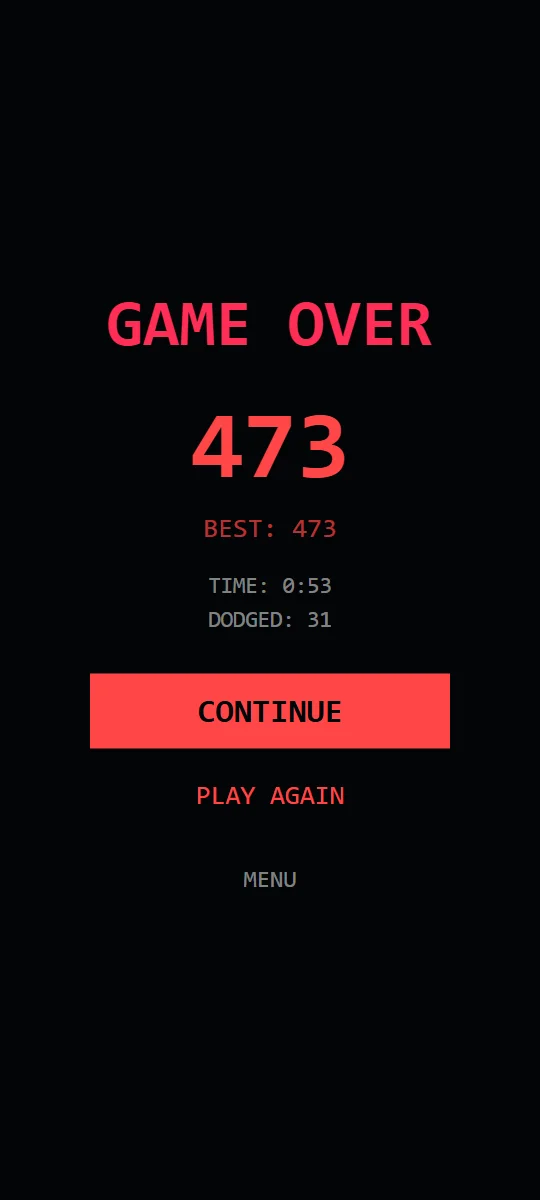
Recorded from the browser game.
Scoring and Power-ups
- Survival: 1 point per second.
- Close calls: a threat that passes close by your active, exposed shape and misses earns a close call.
- SLOW-MO: three close calls in a row slow every threat on both sides for five seconds.
- CLEAR: every 15 threats dodged instantly wipes the field.
- 2× SCORE: every 30 seconds survived doubles your scoring for ten seconds. If SLOW-MO is running, 2× SCORE waits for it to finish and then starts with its full duration.
The game over screen shows your time and total threats dodged.
Threat Guide
SPLIT.IO introduces a new threat type quickly; all six are in play by 50 seconds, and later types become more common as the run goes on.
| Threat | Appears | What it does | How to handle it |
|---|---|---|---|
| Darts | From 0:00 | Fly straight at your shape from the edge of the field. | Easy to read. Protect the side a Dart is about to hit. |
| Drifters | From 0:05 | Curve gently toward your shape as they travel. | They arrive a little later than they look like they will. Don't swap too early. |
| Pulses | From 0:10 | An expanding ring that grows out from where it spawns. | A ring can't be dodged by position. Have that side protected when the ring passes your shape. |
| Trackers | From 0:20 | Slowly correct their course toward your shape. | They'll find you eventually. Time the swap to their arrival. |
| Bursts | From 0:35 | Fly in, then split into several dart-like fragments. | One threat becomes many. Expect a burst of hits in quick succession on that side. |
| Ghosts | From 0:50 | Fade in and out of view, showing only a faint outline while invisible. | Track the outline. A Ghost is still moving while it's hidden. |
Tips for Longer Runs
- Look at both halves, all the time. Most lost lives come from forgetting the side you just left.
- Swap late. The longer a side stays protected right before impact, the less time the other side spends exposed.
- Count your close calls. Two in a row means one more triggers SLOW-MO, which is the best breather in the game.
- CLEAR comes from dodges, not time. Busy stretches bring it sooner.
- Use the mercy window. Right after losing a life you have a brief moment to fix the other side.
- On a computer, a key press counts as a tap, which can be faster than clicking.
FAQ
Does SPLIT.IO work on a computer?
Yes. Click anywhere or press a key to swap sides.
Are there shields in the browser version?
No. In the Android app, shields only come from optional rewarded ads, so the web version plays without them.
Where are my scores saved?
In your browser on your own device. Nothing is sent to a server.